
Sky Exchange App Sign-In: The Same Fast ID Works on the Phone
6182 Inside the installed Sky Exchange app the code box asks for the same kind of 4-digit number, and it is a fresh one each time the screen opens.
The apk file and your ID both come from the ID desk chat, never from this page. 18+ only.Android apk, same ID
Sky Exchange App: Secure App Download, Update and Login
Put Sky Exchange on your Android home screen and keep using the ID you have. Sections below cover the install prompt, those SkyExch store results, and what to do when a newer build is due.
Official Sky Exchange App Facts in One Quick Ledger
Most people searching for the Sky Exchange app want one thing: a file that installs and an ID that works insde it. These rows cover the short answers first.
- File origin
- Sky Exchange tucks its installer under the sign-in form itself, so a phone browser on a working mirror is enough to start.
- Phone type
- An .apk is an Android package, so the Sky Exchange apk is an Android install. For an iPhone, ask the ID desk in chat.
- Store tiles
- SkyExch store entries belong to whoever uploaded them; the board further down explains why we skip them.
- Your ID
- One Sky Exchange ID, one balance: the username and password that open the browser lobby open the app too.
- Brand-new ID, first open
- Expect the app to stop you once and request a new password, because the chat one was temporary.
- Updates
- When the app asks for a newer version, message the desk for the current file rather than hunting for one online.
Short version. The file comes from the login screen or the desk, the ID comes from the desk, and nothing about your Sky Exchange account changes when you move from browser to app.
Quick Sky Exchange App Loop: Install to Lobby
A short loop made from this site's own artwork walks through the Download .apk tap, the install prompt and the first Sky Exchange sign-in.
Simple Sky Exchange App Download and Install Steps
Android blocks files that do not come from its own store until you say yes, which is why the install has one extra screen most people do not expect.
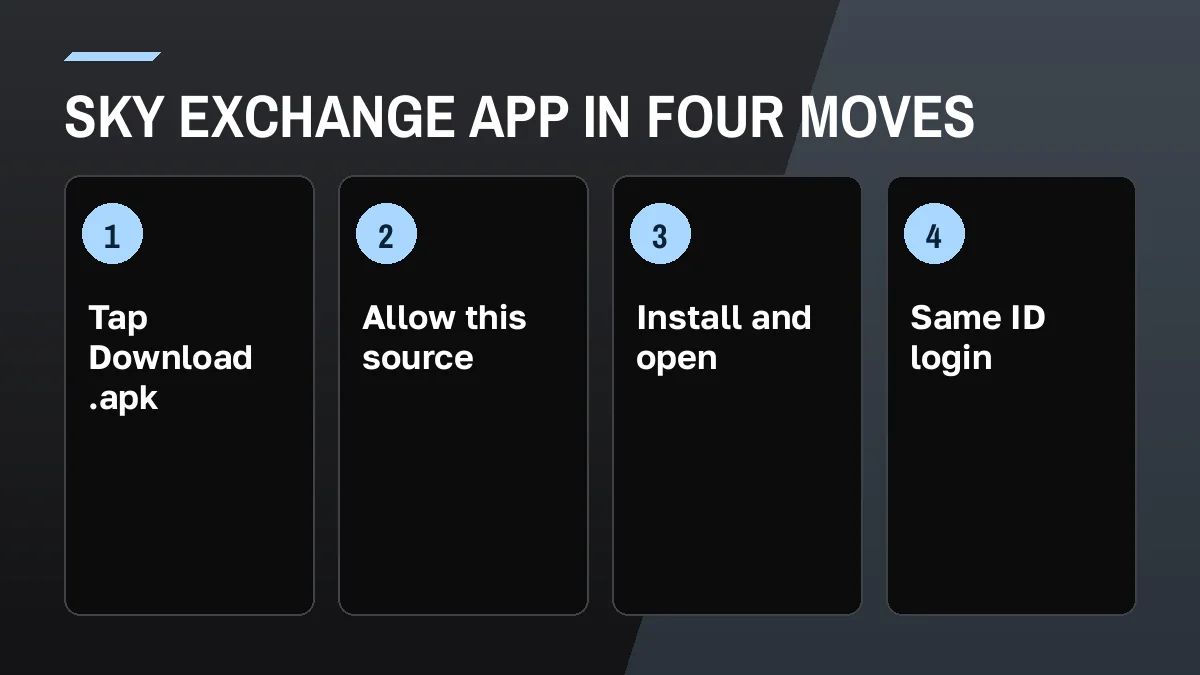
- Reach a mirror that answers. Any Sky Exchange ending the desk names today is fine; scroll past the three sign-in boxes without filling them.
- Tap Download .apk. The phone saves the file and shows it in the download bar. If nothing appears, ask the desk to send the file in chat.
- Allow this source. Android asks whether your browser (or your chat app, if the desk sent it) may install unknown apps. Turn that on for that one source.
- Finish the Android prompt. Two taps here. The second one launches Sky Exchange, and the familiar form greets you inside a window with no address bar.
- Reuse your browser details. Nothing new to learn: the Sky Exchange app asks for exactly what the website asks for, code box included.
- Change a temporary password. A brand-new ID asks for a new password at this point. Pick one you will remember.
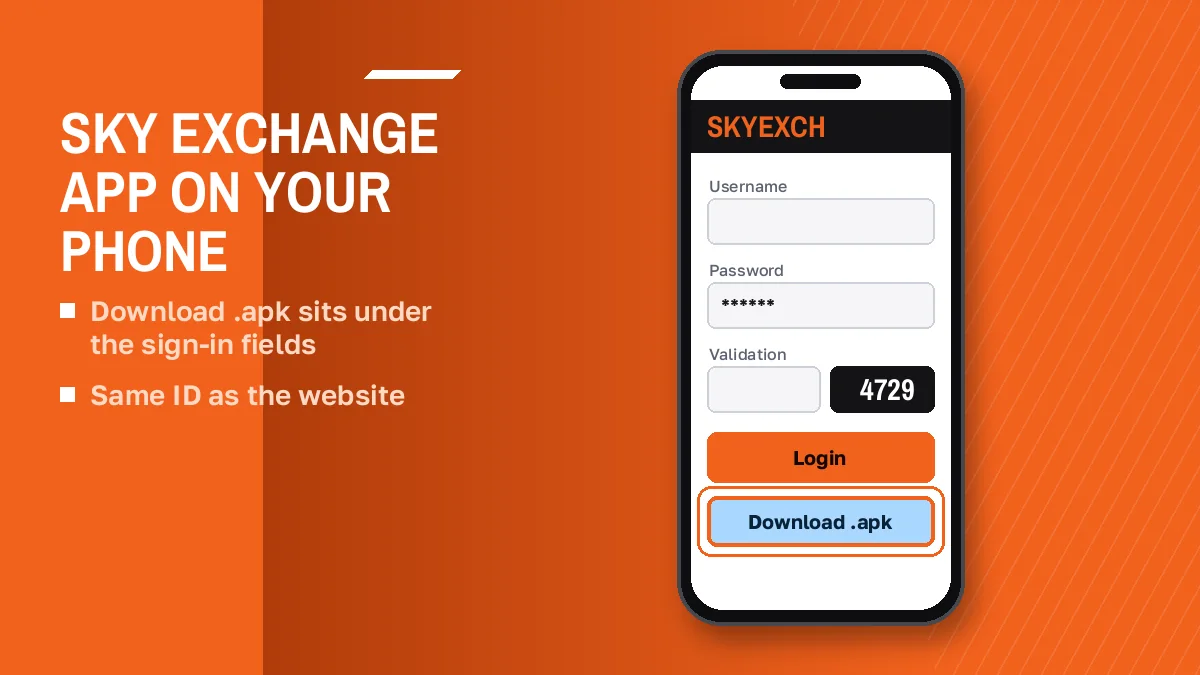
That is the whole flow. If step three never shows up, the phone already trusts that source; if step four fails with a parse message, the file is usually incomplete and a fresh copy from the desk fixes it far more often than any setting does.
Sky Exchange App on Play Store: The Real Picture
SkyExch listingsAPK mirror pageType sky exchange app into Google on 25 Oct 2026 and you would scroll past store tiles called SkyExch, an apk mirror site, a Hindi video and two Sky Exchange endings before reaching anything else.
Here is what that means in practice. A listing with the right name is still just a listing: anyone can name an app SkyExch, and a search result tells you nothing about who uploaded it. We do not run any of those listings, and the ID desk does not point people to them either.
Safe Sky Exchange APK Sources, From Most Direct Down
- The Download .apk button on a working Sky Exchange login screen.
- The file the ID desk sends you in the WhatsApp chat.
- Anything else (store listing, mirror page, video link) is a third party, and you are on your own with it.
Google suggest also pairs the brand with VIP APK and Biz APK. Those are address endings, .vip and .biz, people add to the search, not separate apps. Same file, same ID.
Sky Exchange App or Browser: A Reliable Comparison
Both open the same Sky Exchange account.
In the browser you type an address, and when an Indian ISP blocks that address you need a new mirror ending (.vip, .art, .plus and others) before you can reach the login screen again. Inside the Sky Exchange app you skip the address bar, although the app still needs a server behind it, so on a bad day the desk may still tell you to update or switch.
The screens look close. On mobile the Sky Exchange lobby keeps a fixed bar at the bottom with Games as a raised centre chip, plus Sports, In-Play, Home, Multi Markets and Account, and the app follows that that layout. The Settings drawer carries Default stake, Quick Stakes, Highlight when odds change and Accept Any Odds in both places.
Casino games sit behind the same Games chip. The Sky Exchange casino lobby lists Aviator, Teen Patti 20-20, Andar Bahar and the rest, and the rules count 1 casino coin as 100 INR of main balance whichever way you sign in. For the exchange side, the Sky Exchange betting walk-through on back and lay covers back, lay and Book Position.
So which one? Probably the app if you bet on one phone every day; the browser if you switch devices or just want to look around first.
Sky Exchange App Login: Fast Answers for the Same ID
The login inside the app is the login from the browser, field for field. Small differences trip people up anyway, so here they are.
- Autocorrect trap
- Android keyboards love a capital first letter and a stray space after a word. Sky Exchange reads both as part of the name, so tidy them before pressing the button.
- Password
- The password you set after the first login, not the temporary one from the chat.
- Validation in the app
- Copy the number printed next to the field. Switching away to WhatsApp and back can redraw it.
- Lost password in the app
- Tapping Forgot password? inside the app is fine for self-made accounts, yet if your Sky Exchange ID came over chat, the reset happens back in that chat.
- Practice first
- The app keeps the Demo login button, so you can poke around Sky Exchange menus on a play balance before typing real details.
- Balance
- The same Sky Exchange balance as the browser. Nothing moves when you switch.
Six rows, and the usual culprit is the third. Anything else gets a screenshot of the Sky Exchange error sent to the desk.
Sky Exchange App Download Notes for Trusted Android Installs
What the official Sky Exchange app download on this page refers to
A Sky Exchange app download on this page is about two routes only: the button on the sign-in form and a chat attachment. Searches for the skyexch app or the sky exchange apk land in the same spot, since nobody here hosts a separate build.
It opens with the same Sky Exchange ID and balance as the browser lobby, so there is no second account to make.
Why a Play Store sky exchange betting app result is not the official file
Store listings named SkyExch show up when you look for a sky exchange betting app, but a search result is not proof of who uploaded it. This site does not publish any of them, and the desk route stays the direct one for the Sky Exchange app.
Getting the latest sky exchange apk once the app asks for one
An update prompt in the Sky Exchange app is a chat message away from solved: the desk replies with the newest sky exchange apk, and Android writes it over the old copy.
Sky Exchange App Update: The Quick Desk Route
Current fileSame loginSooner or later the Sky Exchange app asks for a newer version.
The safe move is boring: message the ID desk, say the app wants an update, and wait for the current file in the chat. Then repeat the last part of the install, which means allowing that source if the phone asks again, tapping Install, and opening the app, and in most cases Android installs the newer Sky Exchange build over the old one without touching your login details at all.
Common Sky Exchange App Update Errors and Easy Fixes
- Android refuses the new build. Delete the download, request the file again from chat, retry.
- Login works in browser, not in app. The app is likely an old build; get the current Sky Exchange file.
- Four digits refused after updating. The new build drew a new number; type what this screen shows now.
Hard to say how often updates come. The desk knows, and it confirms it in the chat. Your ID, balance and open bets stay on the account either way, since they live on the Sky Exchange side and not in the phone.
Real Sky Exchange App Questions, Answered by Situation
A few situations come up again and again with the Sky Exchange app, so here is each one with the move that fits it.
- Installed it, no account
- The app cannot create one. A chat with the desk (pick a name, share a mobile number) gets you Sky Exchange details for that empty form.
- Cash-out from the phone
- The app shows your balance, but payouts are a desk job in chat; our Sky Exchange withdrawal page owns that topic.
- Just looking
- Use Demo login in the app or the browser, or the browser games on our Sky Exchange play page, which use no real money.
- Worried about data
- This site stores nothing you type into its cards; the Sky Exchange site privacy notes list what we do and do not keep.
- iPhone owner
- An .apk does not install on iOS. Ask the desk what it offers for your phone.
Everything else about the brand, from mirror addresses to the lobby, starts on the Sky Exchange home page.
Sky Exchange App Questions: Quick, Verified Answers
How do I download the Sky Exchange app?
Tap the Download .apk button on a working Sky Exchange login screen, or ask the ID desk to send the current file in WhatsApp chat. The phone saves the apk, you allow installs from that source, tap Install, then open the app and sign in with your usual ID.
Is the Sky Exchange app available on the Play Store?
Play Store listings named SkyExch appear in Google results, but they are search results and this site does not publish or vouch for them. The direct routes for the Sky Exchange app are the Download .apk button on the login screen and the file the ID desk sends.
How do I install the Sky Exchange apk on Android?
Open the downloaded Sky Exchange apk, and when Android asks, allow your browser or chat app to install unknown apps. Tap Install, wait for the done message, then tap Open. If you see App not installed, the file is usually incomplete, so ask the desk for a fresh copy.
Can I use my existing Sky Exchange ID in the app?
Yes. Nothing about your Sky Exchange account is tied to the browser, so the app accepts those same two details. Expect one small extra on a phone: the 4-digit Validation number beside the box must be retyped from the app screen, since a code seen in Chrome expires there.
Should I use the Sky Exchange app or the browser?
Either works, since both open the same account and balance. The app saves typing a mirror address each time, which helps when an ISP blocks one. The browser suits people who switch devices or want a look first. Many keep both and use whichever opens faster that day.
How do I update the Sky Exchange app?
Ask the ID desk for the current Sky Exchange app file when the app shows an update message. Install it over the old one, allowing that source again if asked, then open it. Your ID, balance and bets stay on the account, so you sign in exactly as before.
Is there a Sky Exchange app download for iPhone?
An apk file installs only on Android, so it will not run on an iPhone. Ask the ID desk in chat what it offers for iOS. Meanwhile the browser login works on any phone with the same Sky Exchange ID, password and 4-digit Validation code.
- sky exchange app download
- skyexch apk
- sky exchange apk download
- sky exch app
- sky exchange app kaise download kare
- sky exchange vip apk
- sky exchange biz apk
- skyexch app login
- sky exchange betting app